Web · no installation
Artigo Canvas
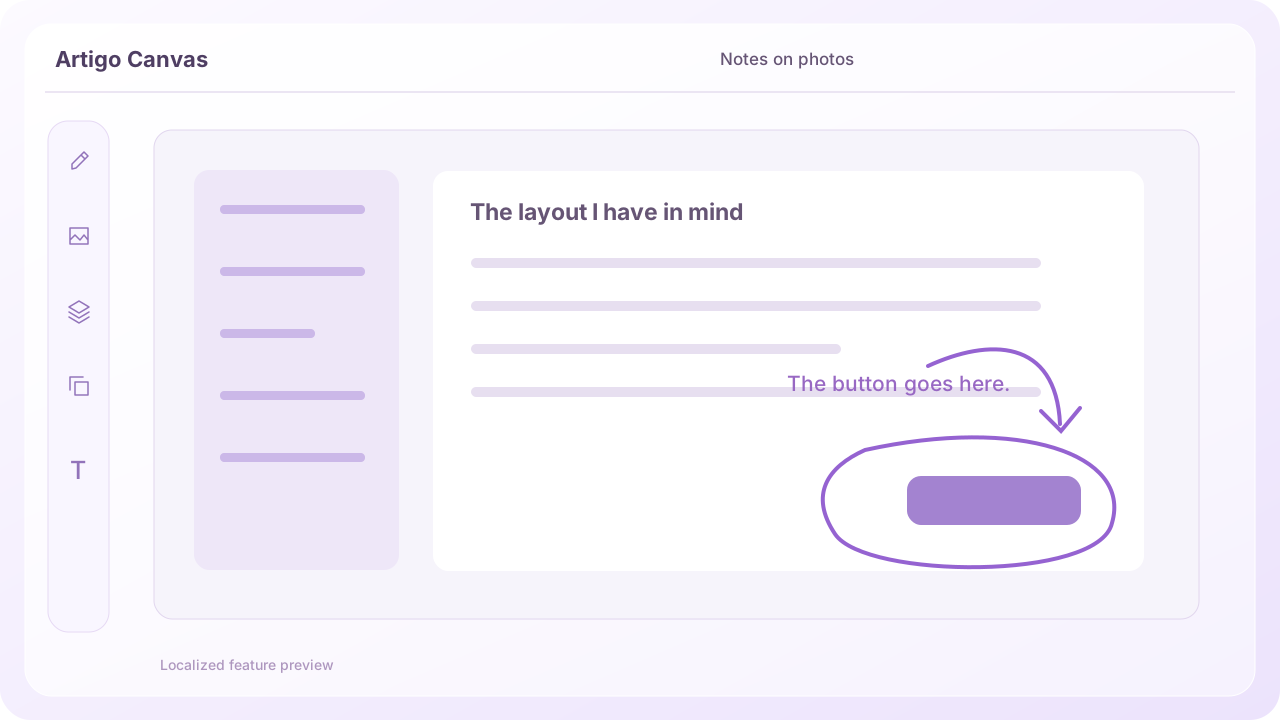
Mark what needs changing on a photo,
take notes on PDFs and sketch your ideas.
Drawing & notesPhoto annotationsPDF annotations
Sketch what you want. Record what happens.
Attach it to the AI conversation you already use.
Draw, record, take notes. Three ways to capture a thought.
Find your tool ↓Start with the format you need.
Mark what needs changing on a photo,
take notes on PDFs and sketch your ideas.
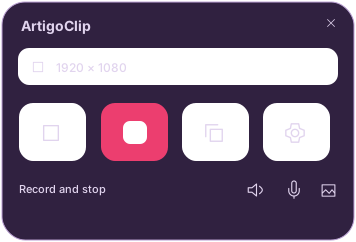
Record a bug or a quick how-to,
trim what you need and copy it.
Windows · Microsoft Store / Mac 1.11.1 Preview
Watch the walkthroughA place for thoughts and the things that inspire them.
Set a reminder, and come back when you need them.
Save on this device without signing in,
or sign in with Google to pick up on another device.
Windows 10·11 · Intel·AMD x64
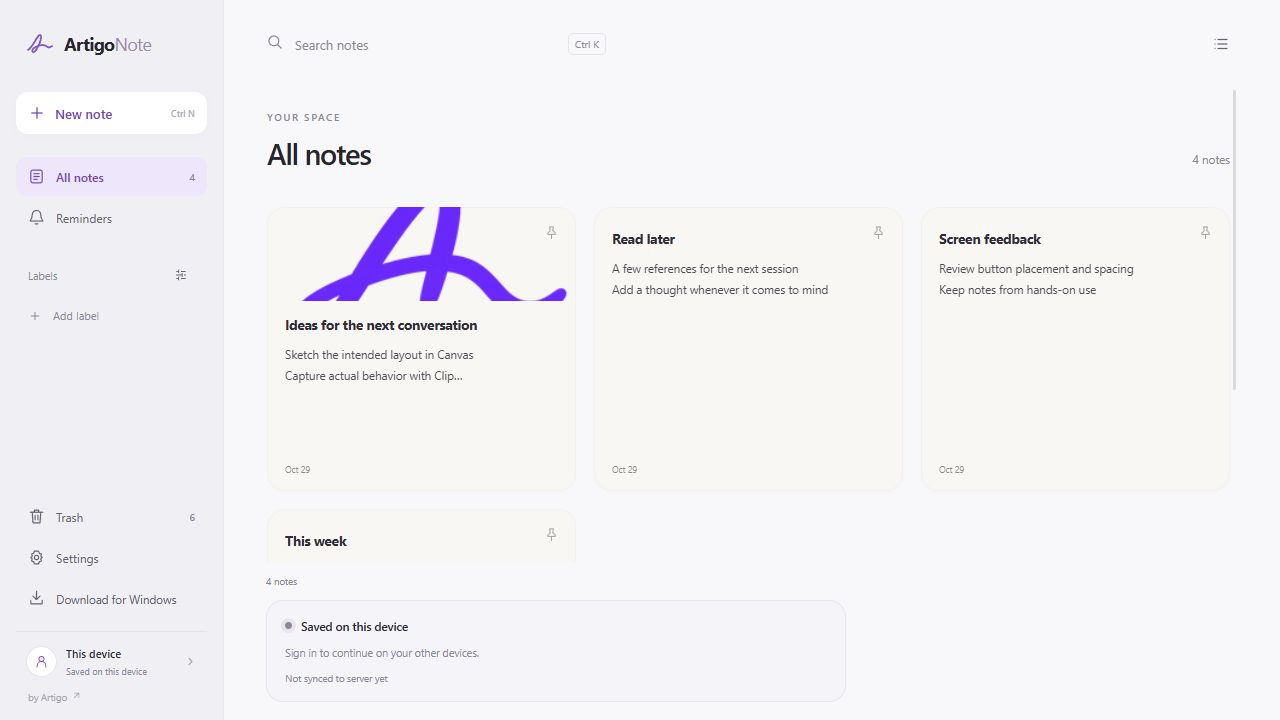
Keep text, checklists, photos and videos together. Organize them with labels and colors.
Once, on several dates, daily or weekly. Set a reminder for the notes that matter.
Encrypt note content and attachments with a PIN, password or pattern.
Email reminders are optional and require a verified recipient address.
Storage, locks & remindersPhotos, handwriting and PDFs in one space.
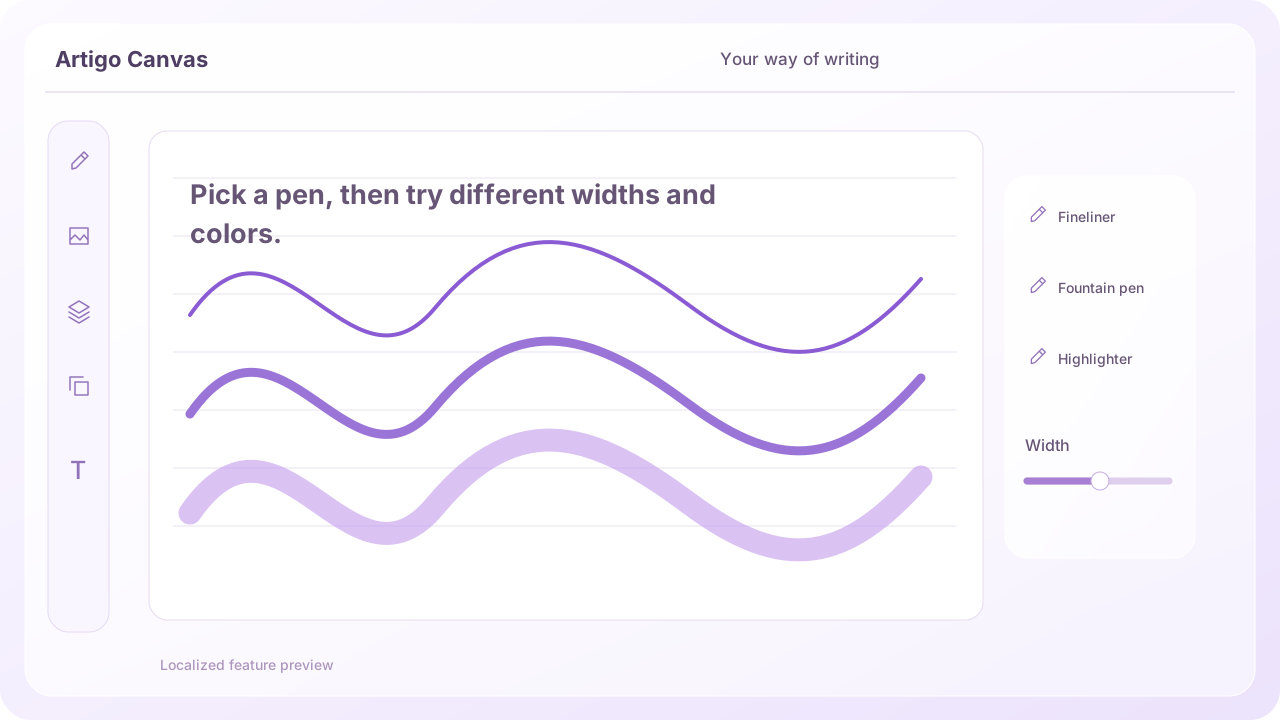
Keep the width and opacity controls within reach.
Drawing · text · images · shapesMove strokes and objects together. Adjust size, rotation and layers.
Selections and layersSave on your device, in your account or as an editable .artigo file.
Compare saving optionsExplore selected material on your device. This Beta needs a supported setup.
Requirements and how to use itChoose the glass color and transparency that feel right to you.
Find the video you were just working on and keep editing.
Bring back your saved edits and carry on.
Glass effects require a supported Windows environment. Keep a separate copy of important originals.
 Keep the original. Refine what you share.
Gather your thoughts and references, then choose a note to return to.
View original product captureThe app interface is shown in English. Instructions and video captions use your selected language.
Write it down, add a reference, and open it again.
Artigo builds tools for sharing thoughts and situations with AI.
Pick your intended result or the moment a problem appears.
Add a mark, or keep only the relevant actions.
Send the material yourself, along with what you want to achieve.
Use an AI service that supports file attachments. Supported formats vary by service.
Show the sequence that triggers the problem in a short video.
Explain a bug with ClipDraw attention to the desired placement and the parts to change.
Share your intention with CanvasMake a small mark where it matters.
It doesn't have to be a polished drawing.
Pick a pen, then try different widths and colors.
You attach your prepared drawings or videos directly to the AI conversation you use. The Artigo website does not log in to your AI account or send the material on your behalf.
ArtigoClip for Windows is available in Microsoft Store. Install the version for your PC, whether Intel/AMD x64 or ARM64.
Check that the publisher is ArtigoKorea, then follow the Store installation steps. The latest version, device compatibility, and update information are available in the Store.
The Mac builds are previews that have not yet been tested on an actual Mac. Apple Developer ID signing and notarization are also incomplete, so macOS may restrict execution.
The glass effect is applied automatically to Artigo Purple on supported Windows 11 systems.
If these conditions are not met, the UI is opaque. Windows 10 uses an opaque UI without the glass effect; White, Dark and Artigo Purple remain available.
Your selected theme applies to the capture panel, settings and editor, and persists after restarting. This describes the installed app's behavior.
A Store listing does not guarantee compatibility or correct operation on every PC. Real-device launch and recording checks on Windows 10 and ARM64 devices have not yet been completed.
The Mac builds are previews that have not yet been tested on an actual Mac. Apple Developer ID signing and notarization are also incomplete, so macOS may restrict execution.
Tell Artigo, built by a Korean university student.
Your experiences, frustrations and ideas are welcome.