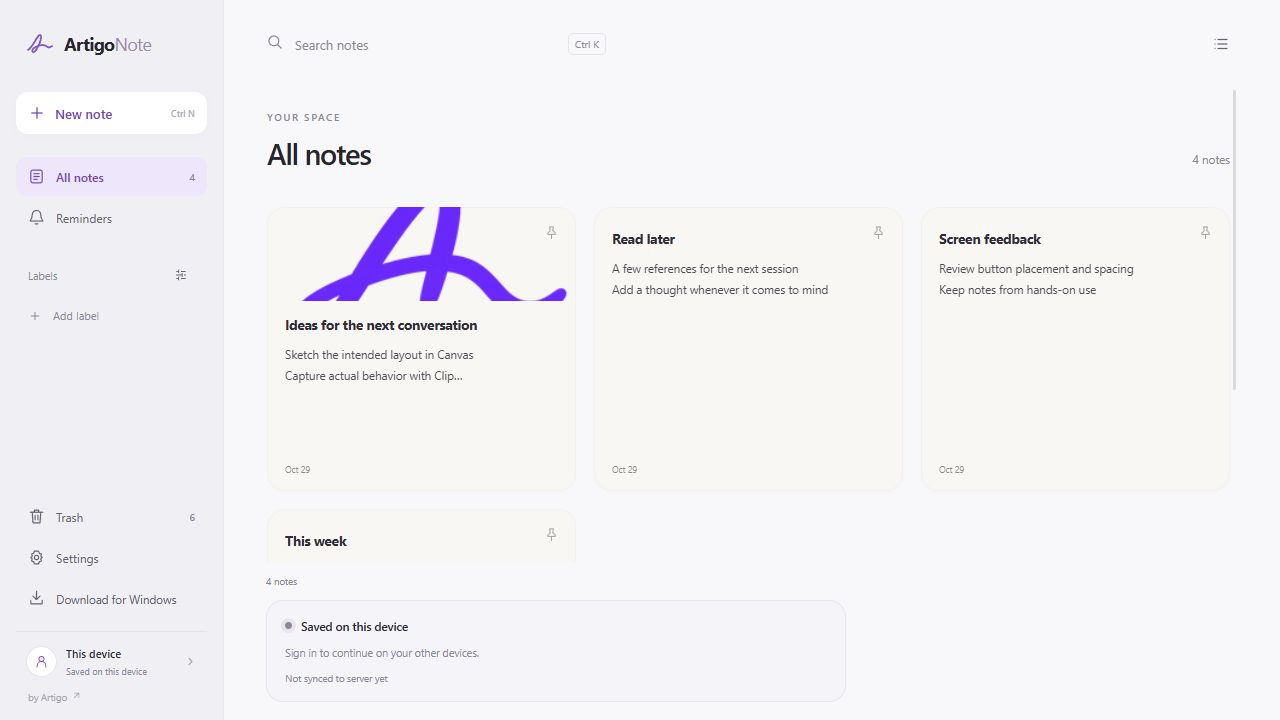
The app interface is shown in English. Instructions and video captions use your selected language.
Device storage and account sync
Notes created without signing in are stored in the browser on this device. Take care when clearing browser data or using another browser profile. To continue on other devices, sign in with Google and check the sync status.
Keep a backup of important notes
Use backup export and import under Data & account in Settings. Keep a separate backup file before clearing browser data or changing devices. Backups and account sync are different ways to keep your work.
What locking protects
Choose a PIN, password, or pattern in the note’s lock options. Note content and attachments are encrypted. Management information such as labels, colors, pinning, and reminders is outside the scope of the lock.
What to know before you forget a credential
If you forget how to unlock a note, its content cannot be recovered. Try locking an example note before using it for important content, and keep your unlock credentials safe. Windows Hello locking is not currently available.
Last updated October 31, 2026 · Artigo
If the actual screen differs from this guide, let us know.
Start in Note