
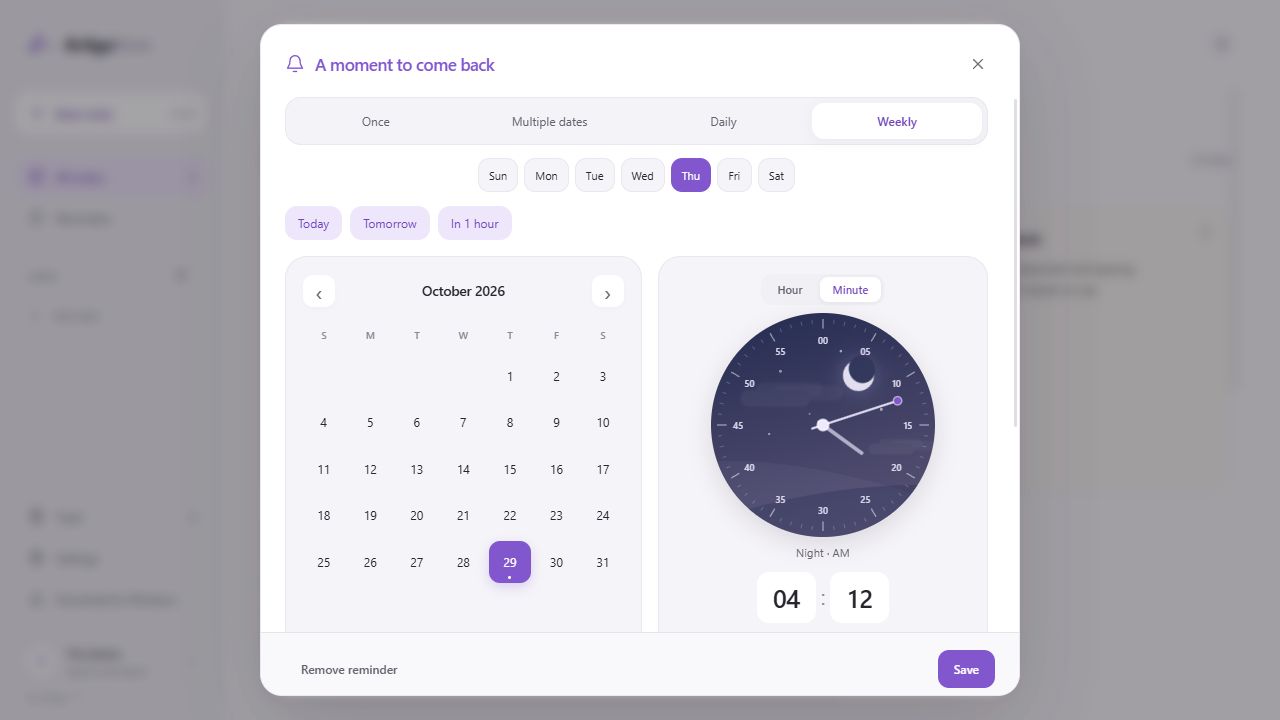
The app interface is shown in English. Instructions and video captions use your selected language.
Open a note’s reminder options
Open the note and select Reminders at the bottom. Choose a date and time, then save to attach a reminder to that note. The introduction video only demonstrates the settings; it does not schedule a reminder.
Choose how it repeats
Use Once for a single moment, Multiple dates for specific days, and Daily for a routine check. Weekly repeats on the weekdays you choose. Set reminders only where useful, such as meeting preparation or references you revisit regularly.
Browser notifications and email are separate
Browser notifications depend on notification permission and the running environment. Email reminders are optional and require separate verification of the recipient address. Saving a reminder does not by itself enable email delivery.
Adjust it when plans change
Edit the schedule in the reminder screen or choose Remove reminder. Keep another way to check important dates, and confirm actual delivery when using a new environment.
Last updated October 31, 2026 · Artigo
If the actual screen differs from this guide, let us know.
Start in Note