 View original product capture
Bring a PNG or JPG onto the canvas
Use Add image or paste an image from your clipboard. Ordinary images are placed with their original pixels preserved. Very large images have a size limit to protect your device's memory.
Select, then click again to write
Move, resize and rotate an image. Click the same image again to deselect it, then continue drawing over it with the pen. Undo restores an accidental move.
One mark, one message
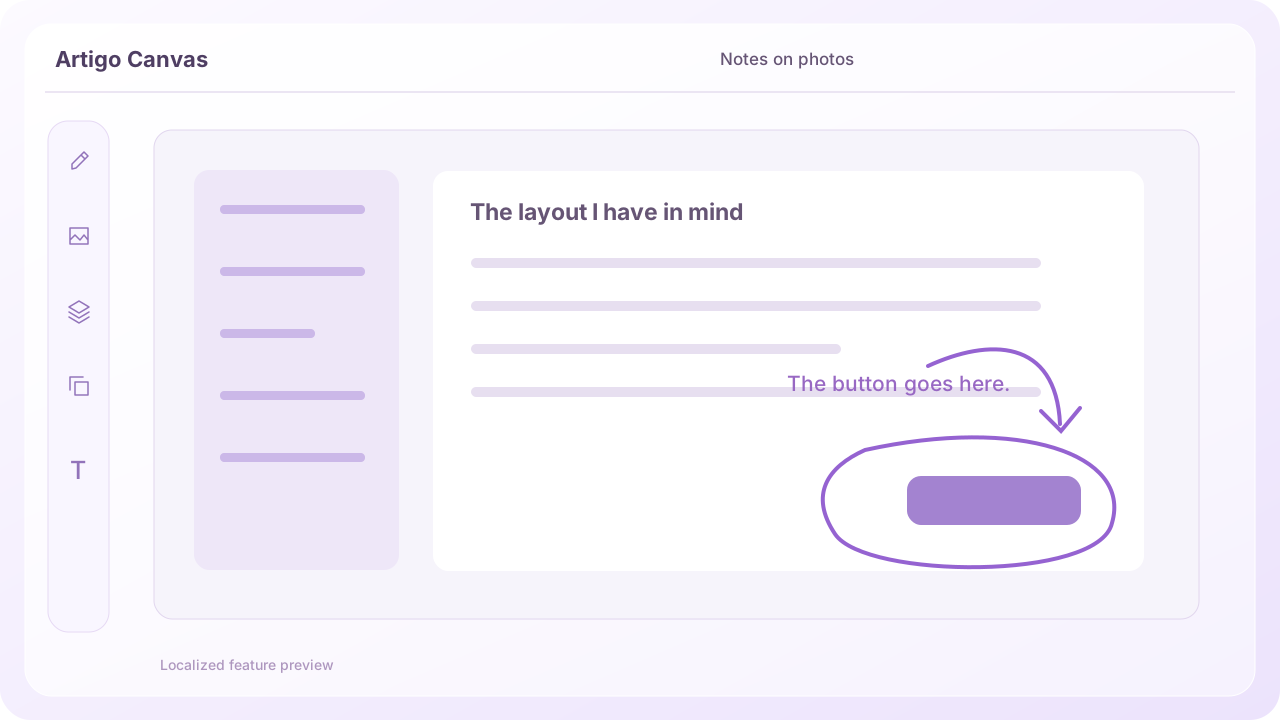
Circle the part to change and add one short explanation. Assign colors to roles: purple for a requested change, green for something checked, for example. This keeps feedback readable on busy screens.
Check before sharing
Overlapping images can hide notes. Check layer order and text size, and export only what the recipient needs. Make sure your screenshot contains no personal or private information.
Last updated October 31, 2026 · Artigo
If the actual screen differs from this guide, let us know.
Try it in Canvas